Cold Email From Your Own Gmail: How Many per Day Is Safe?
Gmail’s hard limits, Google’s rules for senders and the daily pace that keeps your own mailbox out of spam when you send outreach from it.
Key takeaways
- Gmail’s hard sending limit is far above what is safe for cold email: the limit you should care about is your reputation.
- Google asks every sender to authenticate their domain and keep reported spam low; bulk senders also need one-click unsubscribe.
- Start small, write each email to one person, and stop the sequence the moment someone replies, bounces or opts out.
Table of contents
The hard limit is not the real limit
Google Workspace accounts can send up to 2,000 messages a day, and free Gmail accounts around 500. Those limits exist to stop abuse, not to tell you what is safe. Cold email that reaches a few hundred strangers a day from one mailbox will be judged on how those strangers react long before you hit a limit.
What Google checks
- Authentication: every sender needs SPF or DKIM on their domain; bulk senders need SPF, DKIM and DMARC. Google Workspace sets most of this up, but check that DKIM is turned on.
- Reported spam: Google asks senders to keep the spam rate reported in Postmaster Tools below 0.3%, and recommends staying under 0.1%.
- Unsubscribe: senders of more than 5,000 messages a day to Gmail must support one-click unsubscribe. Below that, a plain opt-out line still protects you.
See who could buy from you
Paste your website: in about two minutes you get your buyers, their decision makers with verified emails and a first email to each.
A safe daily pace
There is no official number for cold email, so treat the following as a cautious practice rather than a rule. It is the pace we use for outreach sent from a customer’s own mailbox.
| Period | New cold emails per day, per mailbox |
|---|---|
| First week | 10–20 |
| Weeks 2–3 | 20–35 |
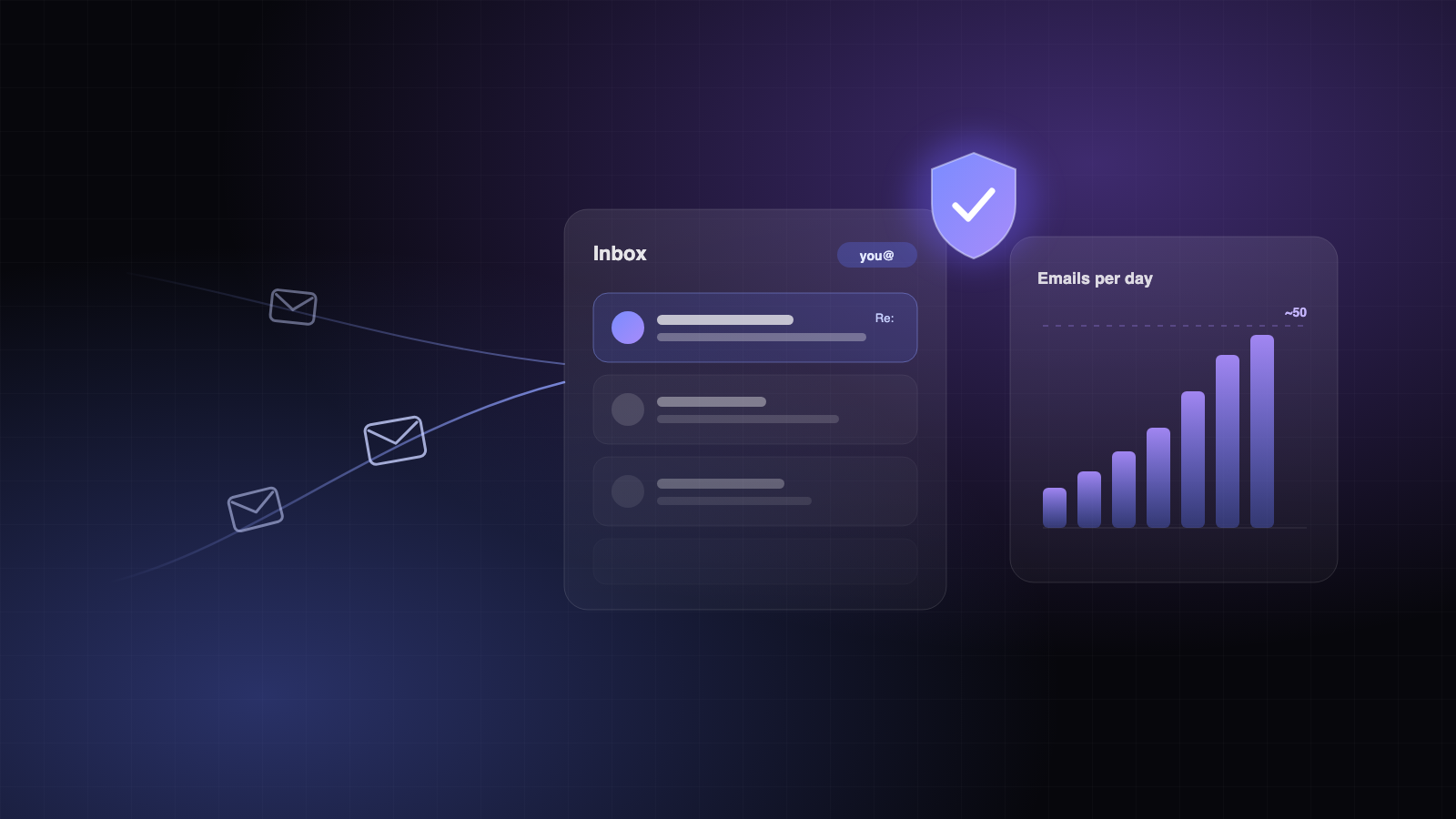
| After that | up to ~50, if replies are healthy and bounces stay low |
- Spread sends across the working day instead of sending in one burst.
- Send only to verified addresses: keep bounces under 2%.
- Count follow-ups in the total, and stop following up as soon as someone answers.
What keeps you in the inbox
Mailbox providers learn from recipients. Emails that people answer, or at least do not mark as spam, earn the next ones a place in the inbox. That favors short, plain-text emails written to one person about one problem they plausibly have, with one clear question at the end.